
 Image: OpenAI, from the launch film for dots.
A lot of you asked me about dots after last week's piece.
Here's my read on what they are, what they cost, and whether a company your size needs one. It's built on OpenAI's own material, its announcement, its help pages, and the launch keynote.
What a dot is
A dot is an AI agent that stays on. It takes a job and keeps working on it. OpenAI says each dot has its own cloud computer, connects to more than 4,000 apps, works inside ChatGPT, Slack, and Teams, and learns from your feedback over time.
In the keynote, OpenAI pitched it as something you hand an ongoing job, like kicking off next year's budget planning.
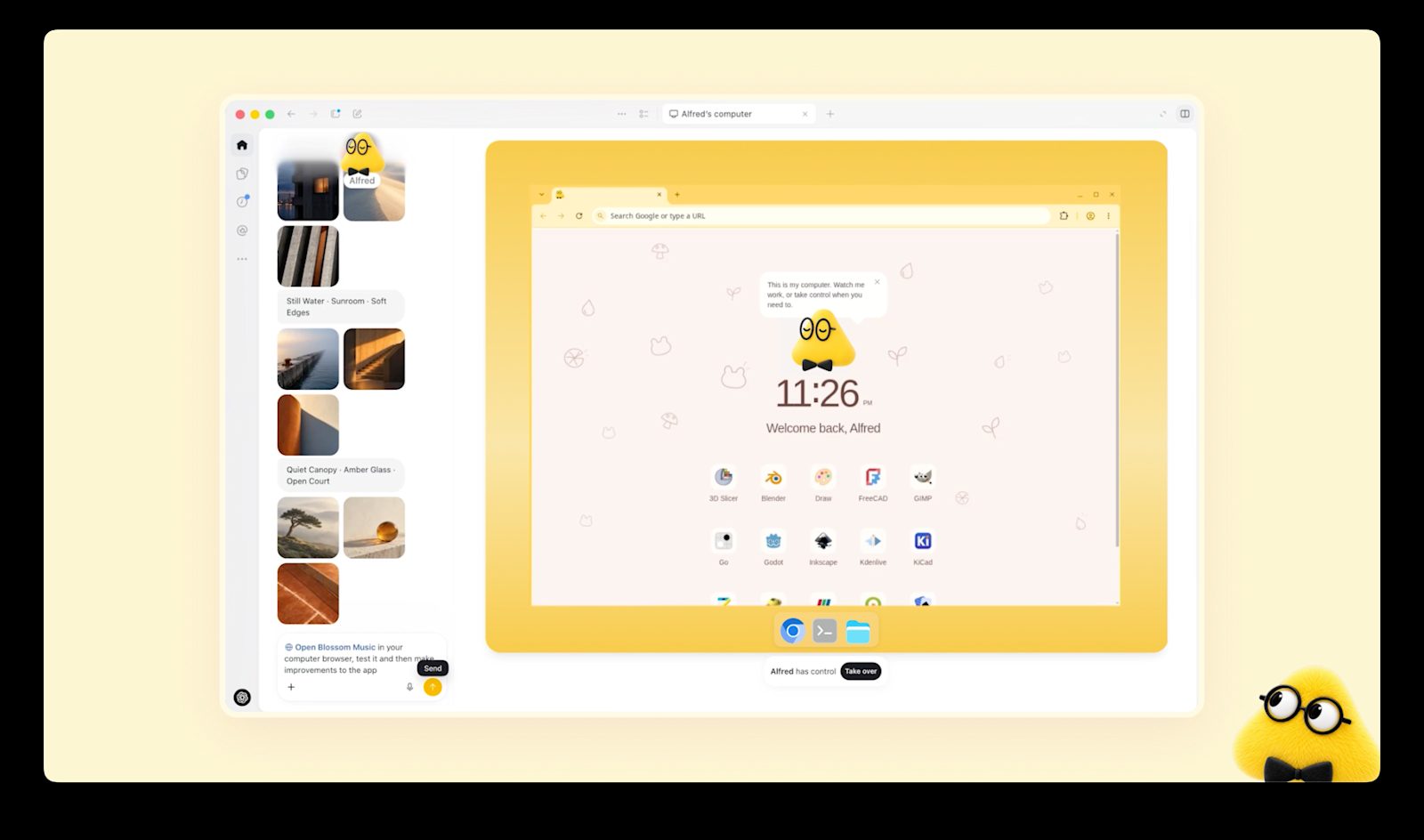 Image: OpenAI. Each dot has a cloud computer of its own.
The cost, before anything else
ChatGPT Plus, the standard paid plan, is $20 a month. The cheapest way to get a dot is ChatGPT Pro at $100 a month, five times as much and $1,200 a year for one dot.
On a company account, a dot comes with a Business Premium seat at $125 a month billed monthly, or $100 billed annually, and the workspace needs at least two seats. The second seat can be a $25 Standard seat, so the floor is $150 a month, or $1,800 a year, on monthly billing.
OpenAI says the plans come with extended limits for the first month after launch. It hasn't said what you get after that, or what a second dot will cost.
That's enough money to need its own line in the budget. Most owners running a 5 to 200 person company should be serious enough about AI by now to have it. Just make the call on purpose, with a specific job in mind. And whatever you buy, keep the instructions in your own files, for the reason I gave last week.
How an owner would actually use one
One story in OpenAI's announcement is pure back office. An early tester's dot noticed he'd forgotten to invoice a publication, prepared the invoice, and sent it after he approved it. QuickBooks already connects to ChatGPT and can send invoices and overdue reminders, so that job is within reach today.
OpenAI also showed dots updating a sales proposal as a customer's requirements change, drafting an email of research findings for review, and turning an interview transcript into draft social posts for approval.
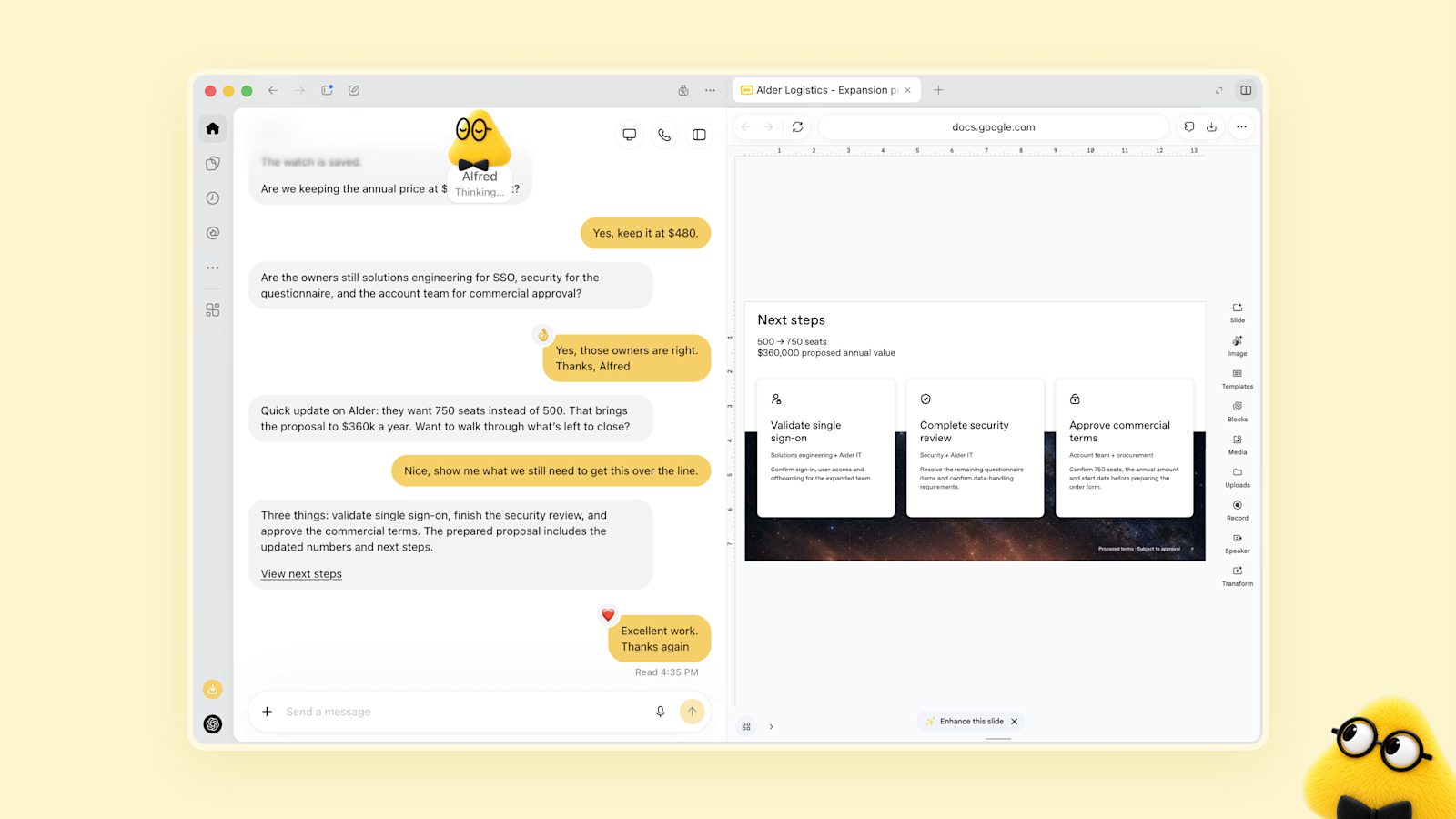 Image: OpenAI. A dot keeping a proposal current as the deal changes.
You decide how much it does on its own with Custom Rules. For some types of action you pick one of four settings, "Take action without asking," "Take action if pre-approved," "Ask before taking action," or "Hand off to you." My recommendation is to let it read and draft on its own and ask before anything goes out the door.
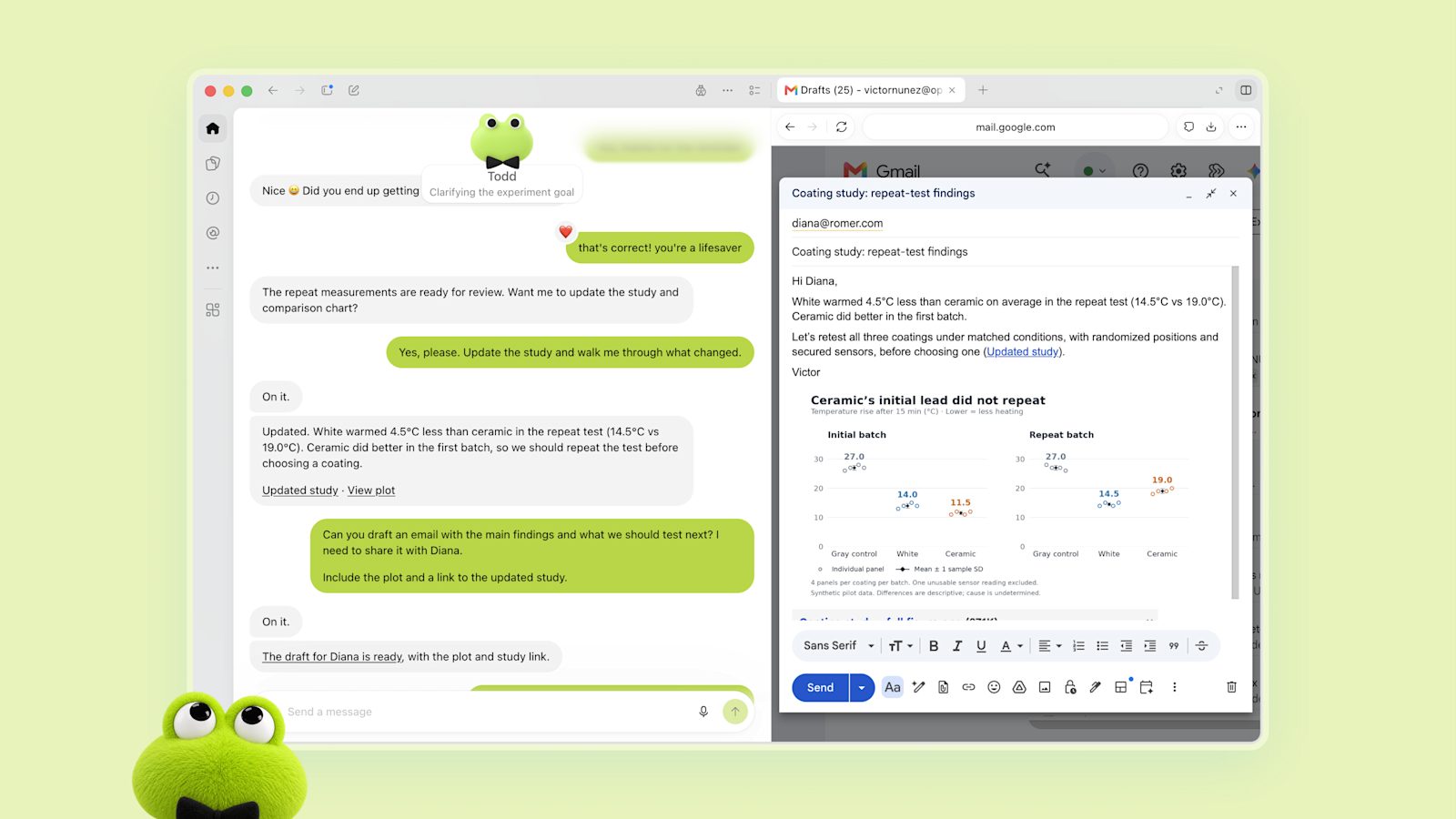 Image: OpenAI. A dot drafts an email for review.
What the cheaper plans can do
Can a $20 plan do the same job? For a job that runs on a schedule, mostly yes.
ChatGPT Plus already includes scheduled tasks. You can keep five running, as often as once an hour, and they can use supported connected apps like Gmail, Slack, and GitHub. Sends and changes may need your approval first. A Monday check for overdue invoices, with reminders drafted for you, fits a scheduled task.
Claude Pro is also $20 a month, or $17 a month billed yearly, and it can run scheduled tasks too. They can use the apps you've connected, and Intuit says QuickBooks works in Claude as well, with the same invoicing features.
 Image: OpenAI. A dot drafts a social post for approval.
What the cheaper plans don't get you is the always-on part. A scheduled task runs at the time you set and then stops. OpenAI built the dot to notice things in between and start on them before you ask, within your rules. It's also built to get better at your work the longer it runs. That's what the extra money pays for.
If the job fits on a calendar, start with a scheduled task and prove it works. Move up to a dot when you catch yourself wishing it would notice something on its own.
I put together a walkthrough of the invoice job on all three, with instructions you can copy. Get the PDF.
Where the cheaper plans fall short, and where I come in
The cheaper tools leave real gaps for a small company. They run on a schedule, so nothing watches between runs. QuickBooks isn't on OpenAI's list of apps that work inside ChatGPT tasks. Each tool keeps its own memory, and none of it moves with you if you switch. Somebody also has to set them up and check the first few runs.
That's the work RVRBN does, so I have an interest in owners doing it this way. We build systems that fit the tools you already use and run quietly in the background with very little managing. Part of an engagement could be writing your instructions as documents your company owns, setting up the tasks and approval rules, and building the connections the cheaper plans don't have yet, like a trigger that starts the job the moment an invoice goes past due. The tools will keep changing. The instructions and the setup stay yours.
If you want to talk through building something like this that's easy to manage, get in touch.